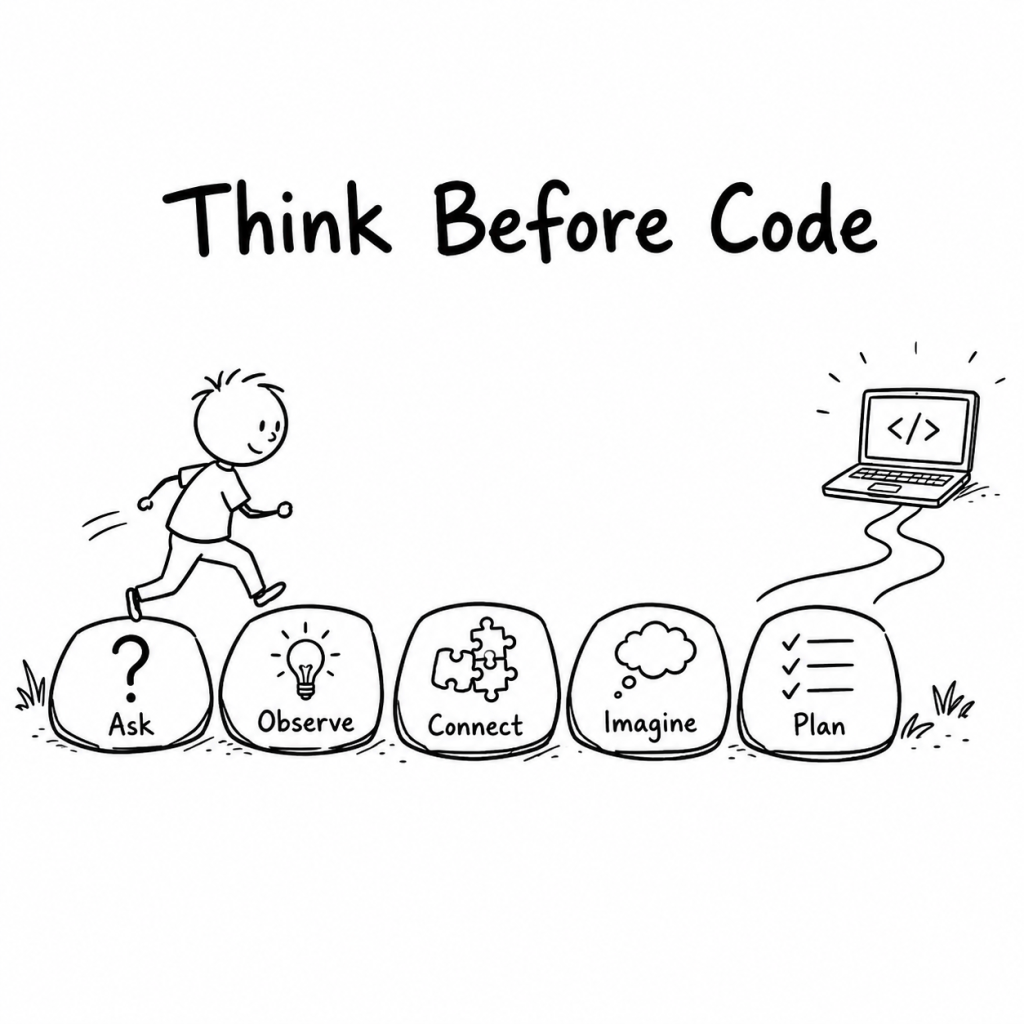
Learning to code can be valuable. But syntax is not the first skill that makes a child a capable problem-solver.
As a software engineer, I do not think children should avoid coding. Coding can help them build, test and understand how digital systems work.
But learning a programming language is not the same as learning to think clearly.
A child can memorise commands and still struggle to define a problem. They can copy working code and still be unable to explain why it works. With AI now able to generate code from a sentence, that distinction matters even more.
The better starting question is not, “Which language should my child learn first?”
It is, “What thinking should my child practise while learning to build things?”
Coding is one place to practise thinking
Good coding involves much more than typing instructions into a computer.
A programmer has to understand the problem, divide it into manageable parts, predict what might happen, inspect the result and improve the next attempt.
Children can begin practising those habits long before they know what a variable or loop is. They can practise them while building with blocks, planning a game, drawing a map, organising a room or explaining how to make a sandwich.
Coding then becomes another medium for thinking rather than a race to learn syntax.
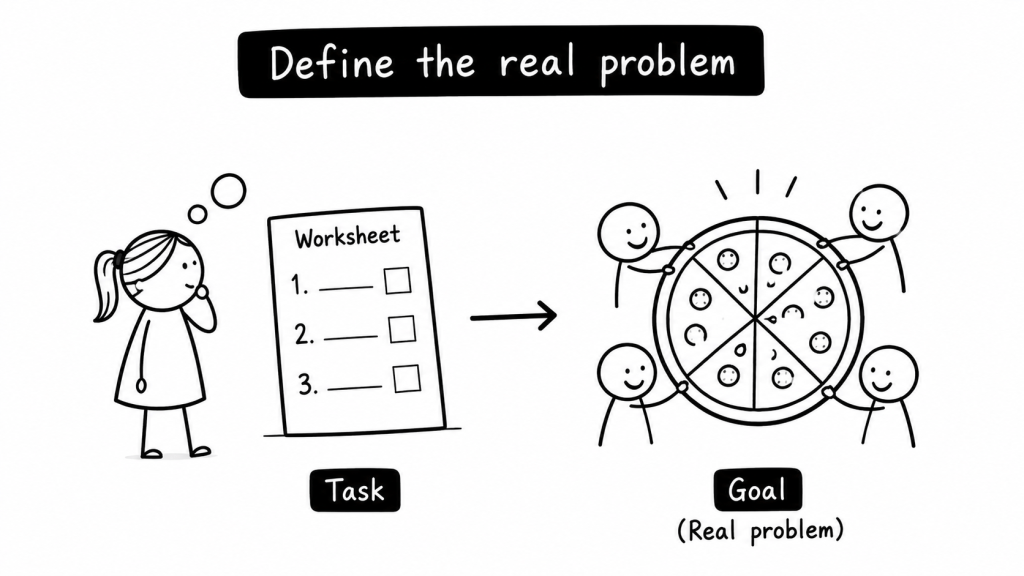
1. Define the real problem
Children often begin with the first visible task:
“I need to finish this worksheet.”
But the task and the problem are not always the same.
The deeper problem might be understanding fractions well enough to divide something fairly. It might be finding a way to remember new words. It might be designing a game that is challenging without becoming frustrating.
A useful question is:
“What are you actually trying to make happen?”
This helps a child separate the outcome from the tool. A worksheet, an app, a piece of code or an AI chatbot may help. None of them can define the goal for the child.
2. Break the problem into smaller parts
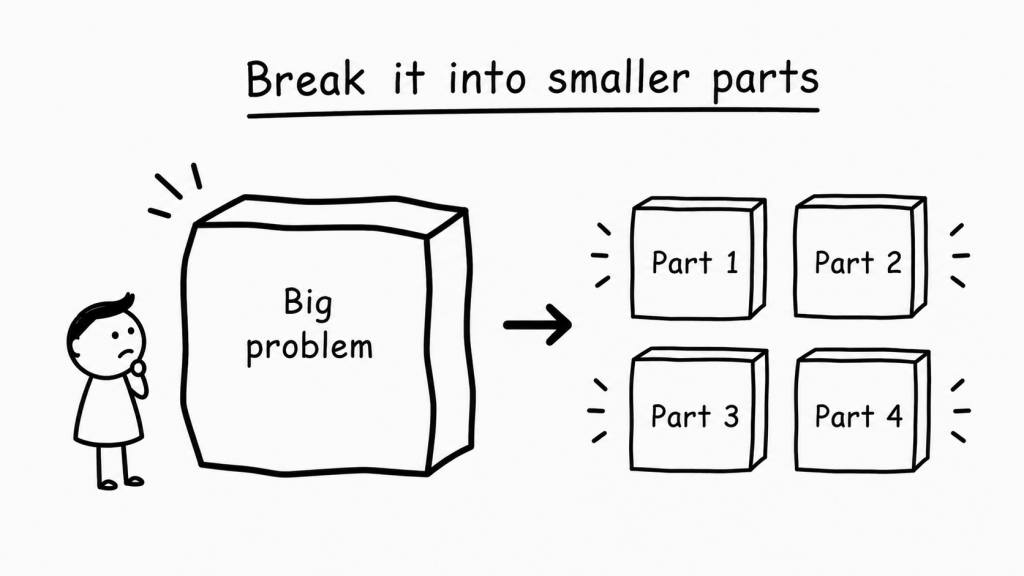
Large problems often feel confusing because several smaller problems are mixed together.
Suppose a child wants to make a simple quiz game. Before thinking about code, they can identify the parts:
- choose a topic
- write the questions
- decide how answers will be checked
- keep score
- show the final result
Each smaller part is easier to discuss, test and improve.
Parents can encourage this habit with one sentence:
“What is the smallest part we can solve first?”
This habit helps with coding, but it also helps with homework, creative projects and everyday tasks.
3. Make a prediction and test it
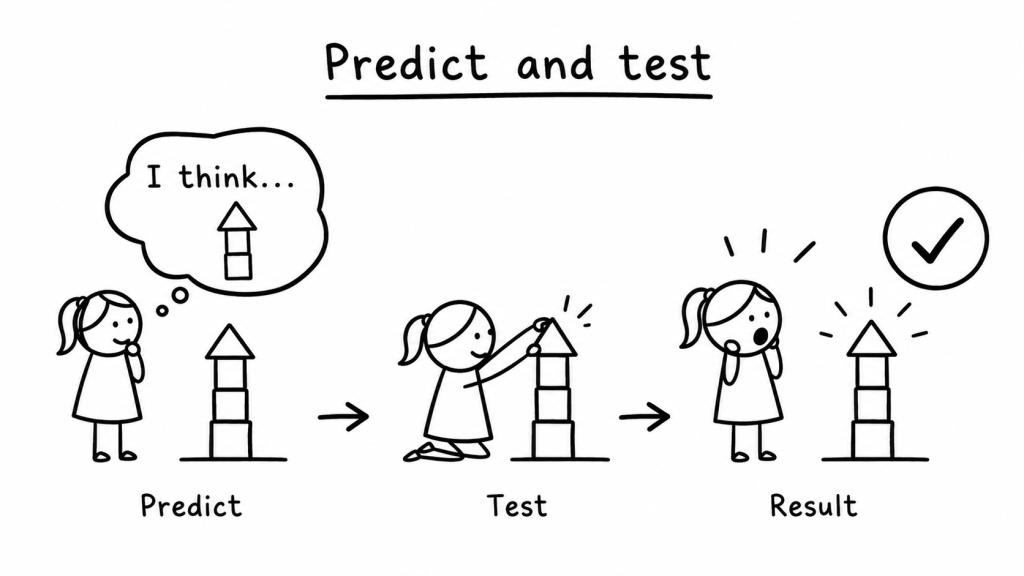
Before pressing a button, running code or asking AI, invite the child to predict what will happen.
The prediction does not have to be correct. Its purpose is to make the child’s current thinking visible.
They might say:
- “I think this tower will fall because the base is narrow.”
- “I think the character will move twice because this instruction repeats.”
- “I think AI will give a different answer if I change this word.”
Then they test the prediction and compare it with the result.
The useful conversation is not simply, “Were you right?” It is:
“What did the result show you that you had not noticed before?”
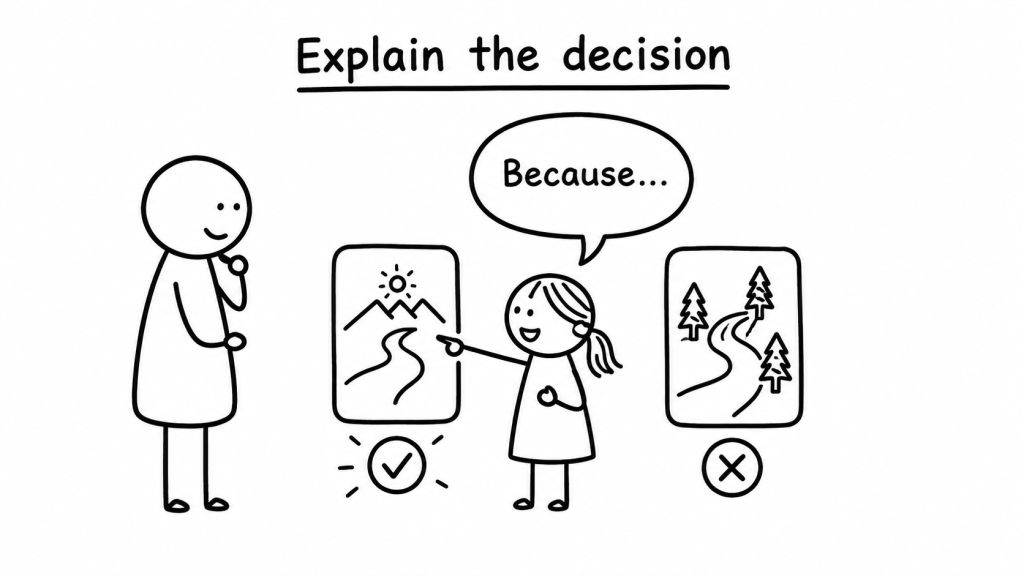
4. Explain the decision
A working answer can hide weak understanding.
That is especially true when a child can copy code, follow a tutorial or ask AI to generate a solution.
Ask the child to explain one choice:
- Why did you start with this part?
- Why did you choose this instruction?
- Why do you trust this answer?
- Why did you reject the other option?
The explanation does not need technical vocabulary. Simple language is often a better sign that the idea belongs to the child.
This connects directly with the explain-back test in Can Your Child Explain the Answer Without AI?
5. Improve an imperfect attempt
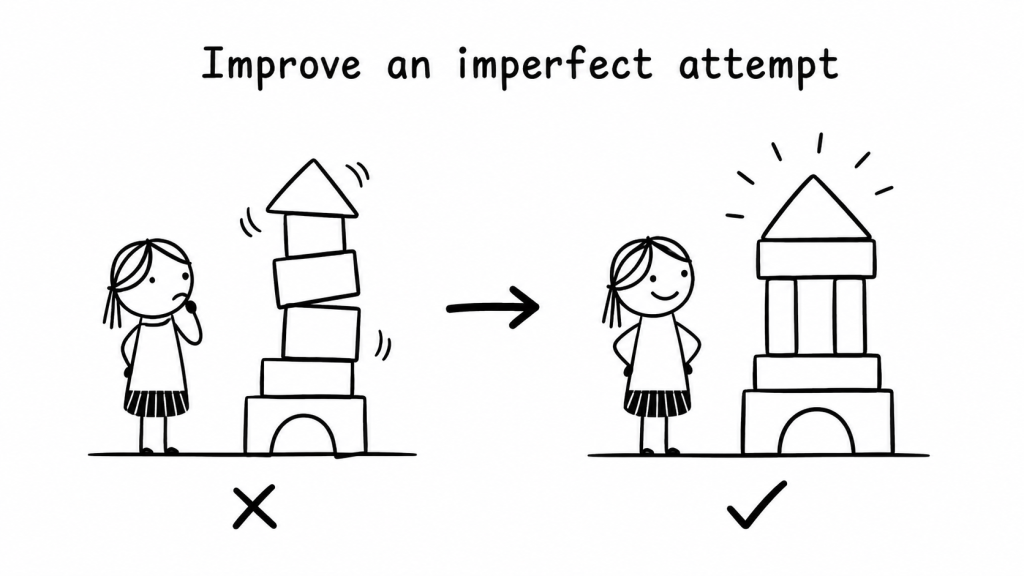
Children can begin to see mistakes as information rather than proof that they are bad at something.
A first attempt might be unclear, incomplete or completely wrong. The next question is not always, “What is the correct answer?”
It can be:
“What is one change that could make this attempt better?”
This encourages iteration. Change one instruction. Move one block. Rewrite one sentence. Test one assumption. Then look again.
AI can support this process when it gives a hint, asks a question or helps compare alternatives. It should not always erase the imperfect attempt by replacing it with a finished answer.
The Try → Hint → Explain → Apply sequence in How to Use AI Without Letting It Do Your Child’s Thinking offers one practical way to keep that process with the child.
Try the Human Robot activity
This screen-free activity practises all five habits.
Choose a small task such as drawing a simple house, arranging three objects or walking from one side of a room to the other.
One person is the programmer. The other is the robot.
The robot follows instructions literally. It does not fill in missing details.
- Define: Agree on what the robot must accomplish.
- Break down: Divide the task into small instructions.
- Predict: Say what each instruction should make the robot do.
- Explain: Describe why the instructions are in that order.
- Improve: Change the instructions after something unexpected happens.
Then swap roles.
The activity introduces sequencing and debugging without turning the evening into a lesson about programming terminology.
Do not wait to code
These habits are not a gate children must pass before they are allowed to code.
Children can learn coding and thinking together. A visual programming tool, a robotics kit or a small website project can give them something real to question and improve.
The principle is simple: do not measure progress only by how much code a child can produce.
Notice whether they can define, divide, predict, explain and revise.
Languages and tools will change. Those five habits will continue to help a child make sense of unfamiliar problems.
Part of the ThinkBySketch parent guide.
Read Should Children Use AI? or choose a path in Start Here.


Leave a comment