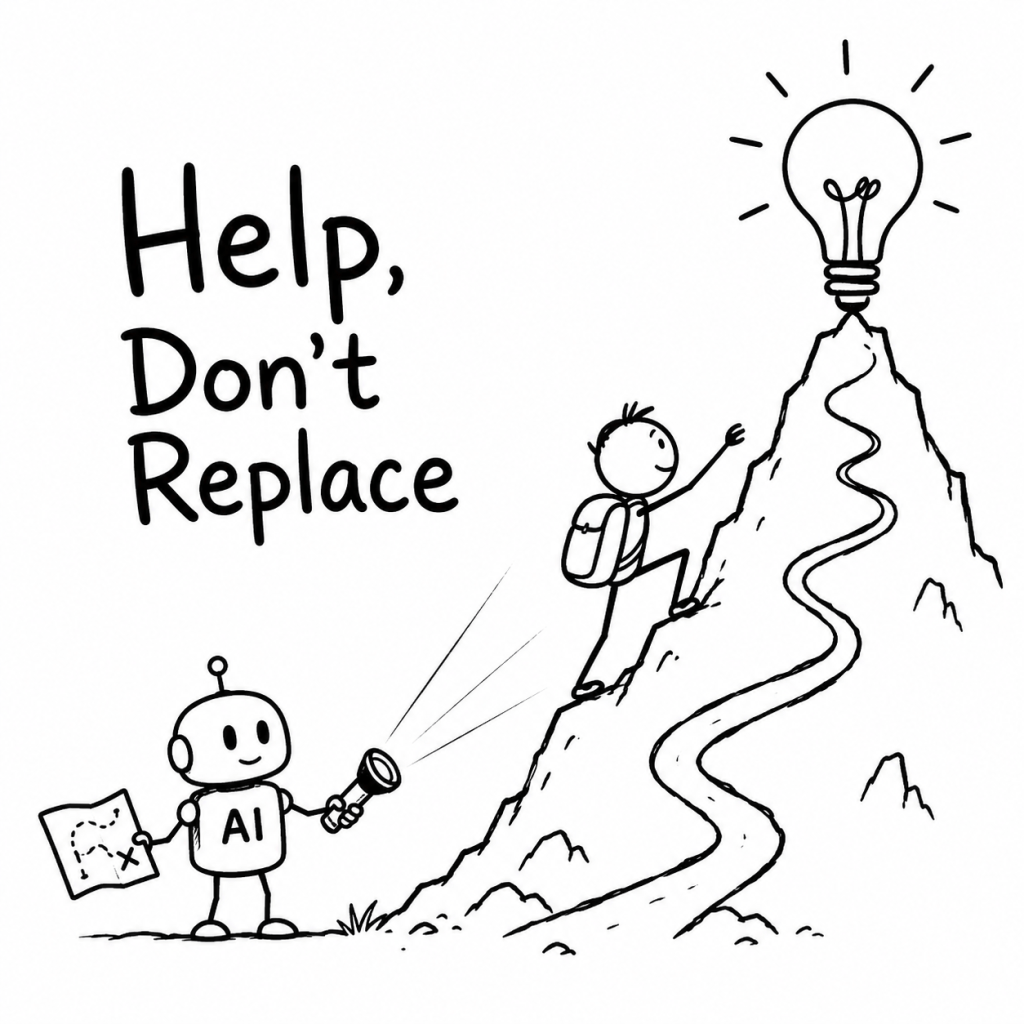
AI can make a child’s work faster. The harder question is whether it still leaves enough room for the child to think.
When I set up a ChatGPT project for my daughter, I nearly created the thing I was worried about.
It would have been easy to tell it: help with homework. Be useful. Give clear answers.
But then I pictured her with a hard question in front of her. A blinking cursor. The little pause before she tries something.
That pause is where a lot of learning happens. It is also one of the first things AI can take away.
The new question is not screen time
Every generation had a screen that made parents nervous. Television. Video games. Phones.
The worry was usually about time. Too much of it. Not enough outside. Not enough real life.
AI makes the concern feel different. It can sit beside a child while they work. It can explain a maths problem, write a paragraph or make a project look finished before the child has had time to get stuck.
That is the useful part. It is also the difficult part.
The question is not only how long a child uses AI. It is what the child still practises while the tool is open.

Fast answers can remove useful struggle
If AI gives the answer first, a child may finish the worksheet faster.
But they can miss the part where they try, get something wrong and work out what the question is really asking.
That part looks slow from the outside. It is not wasted time.
The goal is not to make every task difficult. It is to notice when convenience has removed the exact thinking the task was meant to develop.
Use the Try → Hint → Explain → Apply sequence
The instructions I gave the project were not only about being helpful. I wanted it to ask a question back when it could, give a hint before an answer and ask her to explain what she thinks.
A simple sequence helps keep more of the work with the child:
- Try: The child makes a first attempt before asking AI.
- Hint: AI gives the smallest useful clue instead of the full solution.
- Explain: The child describes the idea or next step in their own words.
- Apply: The child uses the idea in a new example, question or small creation.
This sequence will not work perfectly every time. Some days a child will still want the quick answer. Honestly, so do I. A good tool makes that temptation easy.
But the sequence creates a useful default. The child remains the person making the attempt and AI becomes the support around it.
Give AI a learning-coach role
AI can act like an answer machine. It can also act like a tutor, practice partner or questioner.
A child or parent can use a prompt like this:
Help me learn this without doing it for me. First ask what I have already tried. Give one hint at a time. Ask me to explain my thinking before showing a full answer. Then give me a similar example to try on my own.
The wording is less important than the role. AI should help the child continue thinking rather than end the thinking immediately.

Look for what the child is still doing
There is no simple rule that says more AI is always worse or less AI is always better.
Watch for the actions that still belong to the child:
- making a first guess
- noticing a mistake
- asking a better question
- putting an idea into their own words
- choosing between alternatives
- trying the idea in a new situation
A polished answer is not enough evidence by itself. The stronger test is whether the child can explain and use the idea after the screen is closed. I explored that test in Can Your Child Explain the Answer Without AI?
Try this with one homework question
Choose one question or topic this week. Before AI gives an answer, ask the child to make a first attempt.
Then use the four steps:
- Ask the child what they already think.
- Ask AI for one hint rather than the full answer.
- Let the child explain the next step.
- Change one detail and ask them to try again.
Notice what changes. Does the child ask a better question? Spot an error? Explain the idea more clearly? Apply it without looking back at the original answer?
I do not want my daughter to grow up scared of AI. I want her to recognise when it is helping her think and when it is quietly doing the thinking for her.
That feels like the job now. Not keeping the tool away. Staying close enough to notice what it is changing.
Part of the ThinkBySketch parent guide.
Read Should Children Use AI? or choose a path in Start Here.


Leave a comment