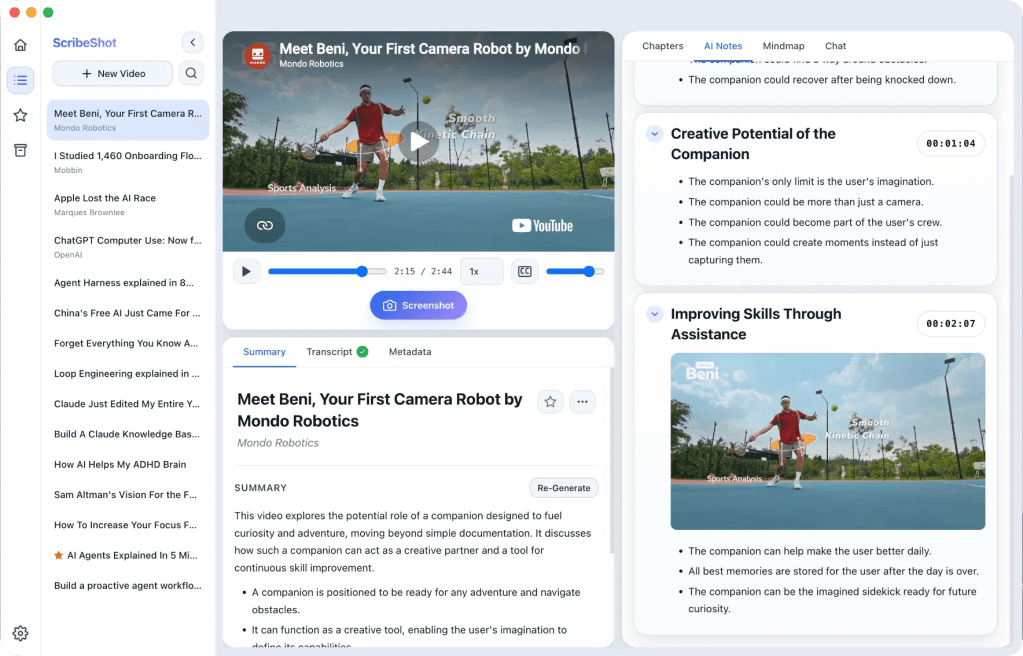
A child can watch a brilliant explanation on YouTube, understand it in the moment and still have almost nothing useful to return to a week later.
I know a version of that problem well because it is why I built ScribeShot in the first place. It started as my own learning problem, but it led me to a parenting question: if adults struggle to keep context from useful videos, what happens when children learn this way too?
I learn a lot from YouTube. Programming tutorials, long interviews, lectures and product breakdowns often contain one diagram, sentence or example I know I will want again.
My old system was simple: bookmark the video and trust my future self to remember why it mattered.
That future self rarely remembered.
A bookmark had saved the video. It had not saved the learning inside it.
The problem was not taking notes. It was keeping context.
I tried the obvious approaches first. I paused videos to type notes. I saved screenshots. I copied timestamps into documents. Each method worked, but together they created another organisation problem.
The notes lived in one place, screenshots in another and the video remained a separate timeline I still had to scrub through.
What I wanted was not another summary generator. I wanted a learning workspace that kept the video, notes, timestamps and visual evidence connected.
That became ScribeShot.
Then a bigger question appeared: what does this mean for children?
YouTube can be a remarkable learning library for children. A child can find explanations of science, drawing, coding, history, music and almost any curiosity they want to explore.
But access to an explanation is not the same as building something they can remember, question or use later.
That changes how I think about ScribeShot for younger learners. The goal is not “AI takes the notes so the child does not have to.”
If AI watches, summarizes and answers before the child tries, polished notes can hide how little thinking happened.
I want AI to handle some of the organisation and retrieval while the child stays responsible for noticing, explaining, questioning and checking.
A better YouTube learning loop
If I were using ScribeShot with a child, depending on their age and the video, I would try a sequence like this:
1. Think before watching
Before pressing play, ask one simple question:
What do you expect to understand by the end of this video?
The answer does not need to be correct. It gives the child a reason to watch actively instead of treating the video as something to consume.
2. Capture only what matters
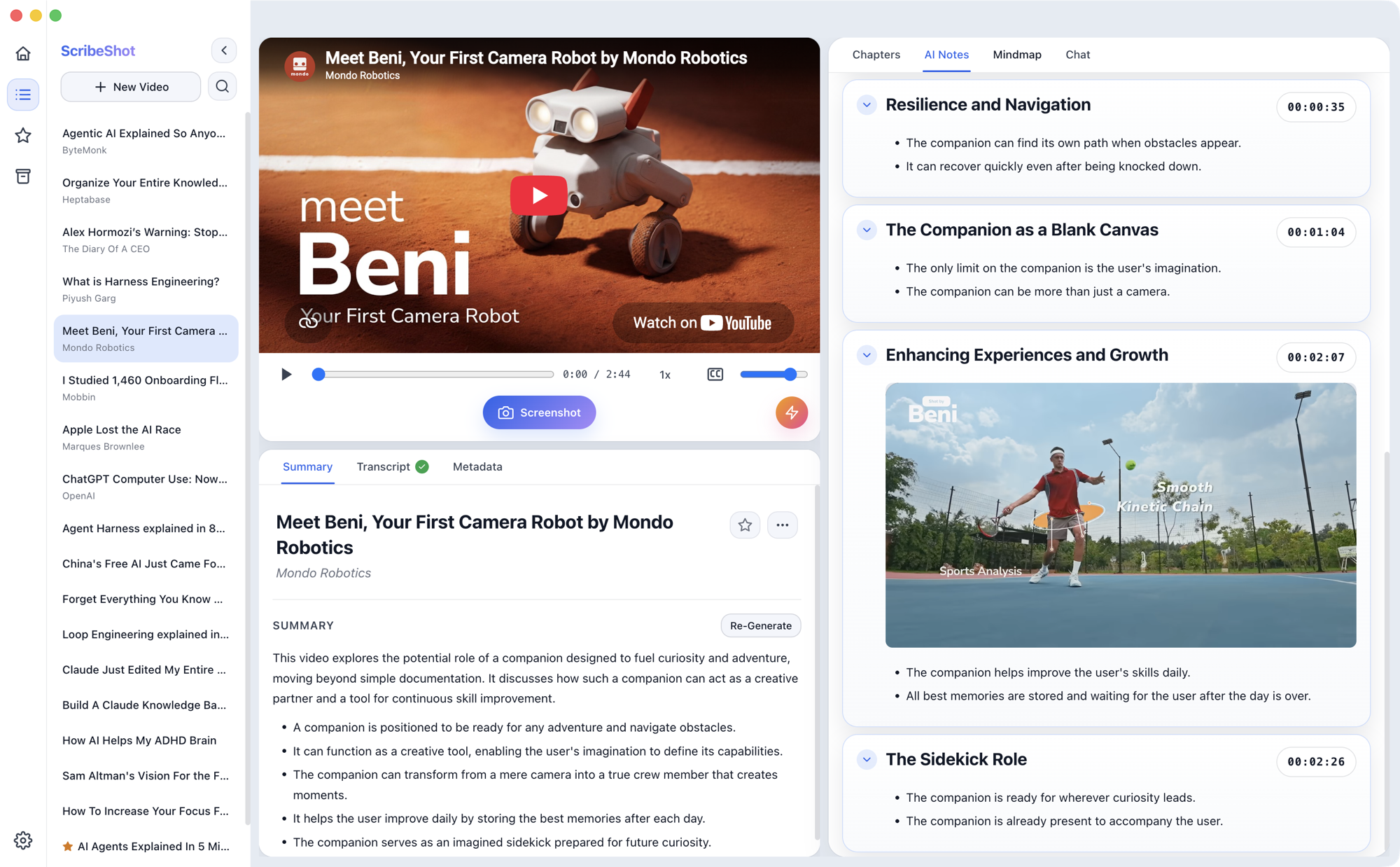
During the video, capture a few diagrams, slides, examples or code snippets that seem worth returning to. ScribeShot keeps each screenshot beside the relevant timestamp and notes.
The goal is not to collect everything. Choosing what is worth saving is part of the learning.
3. Explain before asking AI
After an important section, ask the child to explain the idea in their own words first.
Then the generated notes, transcript or chat can become something to compare against rather than something to copy.
A useful question might be:
What did the notes include that you missed, and what did you notice that the notes did not?
4. Return to the source
This is where timestamps and screenshots become more useful than a detached summary. If something is unclear later, the child can return to the exact explanation instead of treating the AI-generated note as the final authority.
For me, that is an important design principle: AI should shorten the path back to the source, not replace the source.
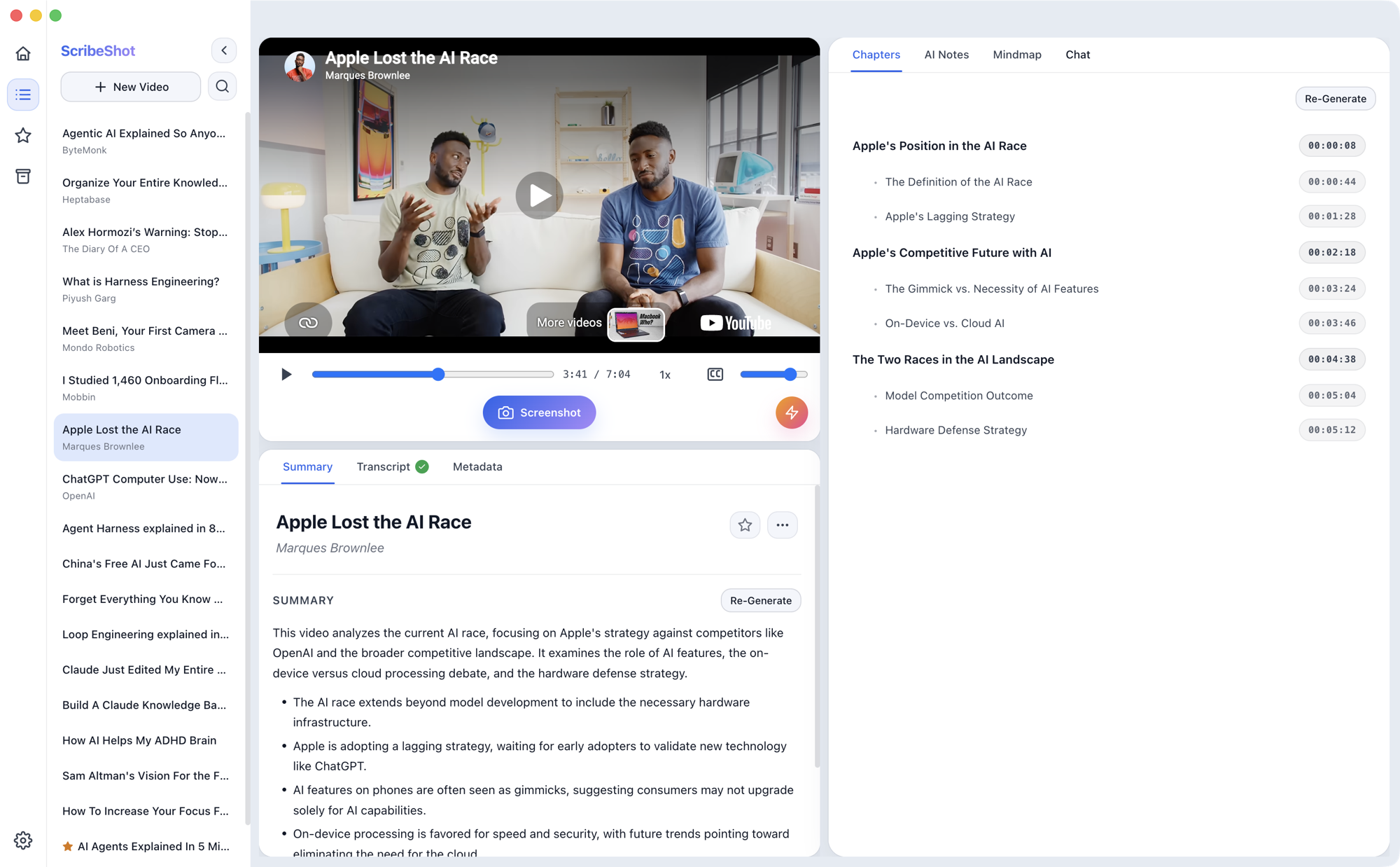
Screenshots can turn watching into something more active
The useful part is not the screenshot itself. It is keeping the visual attached to the moment it came from.
If a child is watching a geometry explanation, a science animation or a coding tutorial, the useful part may be visual. A text summary alone can lose that.
Keeping that image beside its timestamp means the learner can return to the original explanation instead of relying on a detached summary.
That feels closer to a real notebook than a folder full of disconnected screenshots.
The mind map is useful only if it starts another question
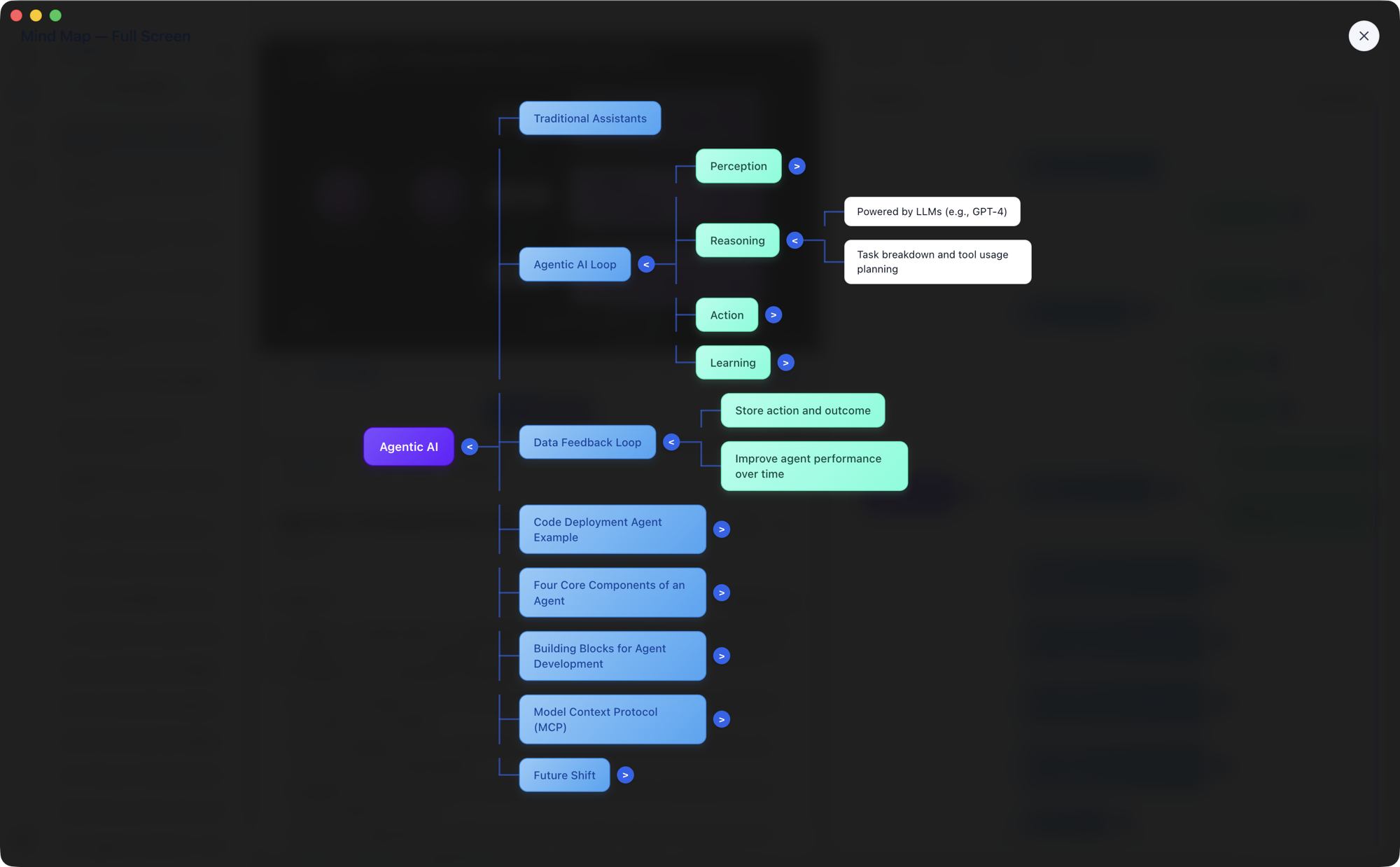
ScribeShot can also turn the main ideas from a video into a visual mind map.
For a child, I would not treat that map as proof that learning happened. I would use it as a prompt for conversation.
- Which branch surprised you?
- Which two ideas seem connected?
- What would you add to the map?
- Which part would you remove because it does not seem important?
The map becomes useful when the learner edits the mental model rather than simply admiring the generated one.
Privacy becomes part of the product conversation too
When a learning tool may be used by families, I think privacy and age-appropriateness deserve more attention than they usually get in product demos.
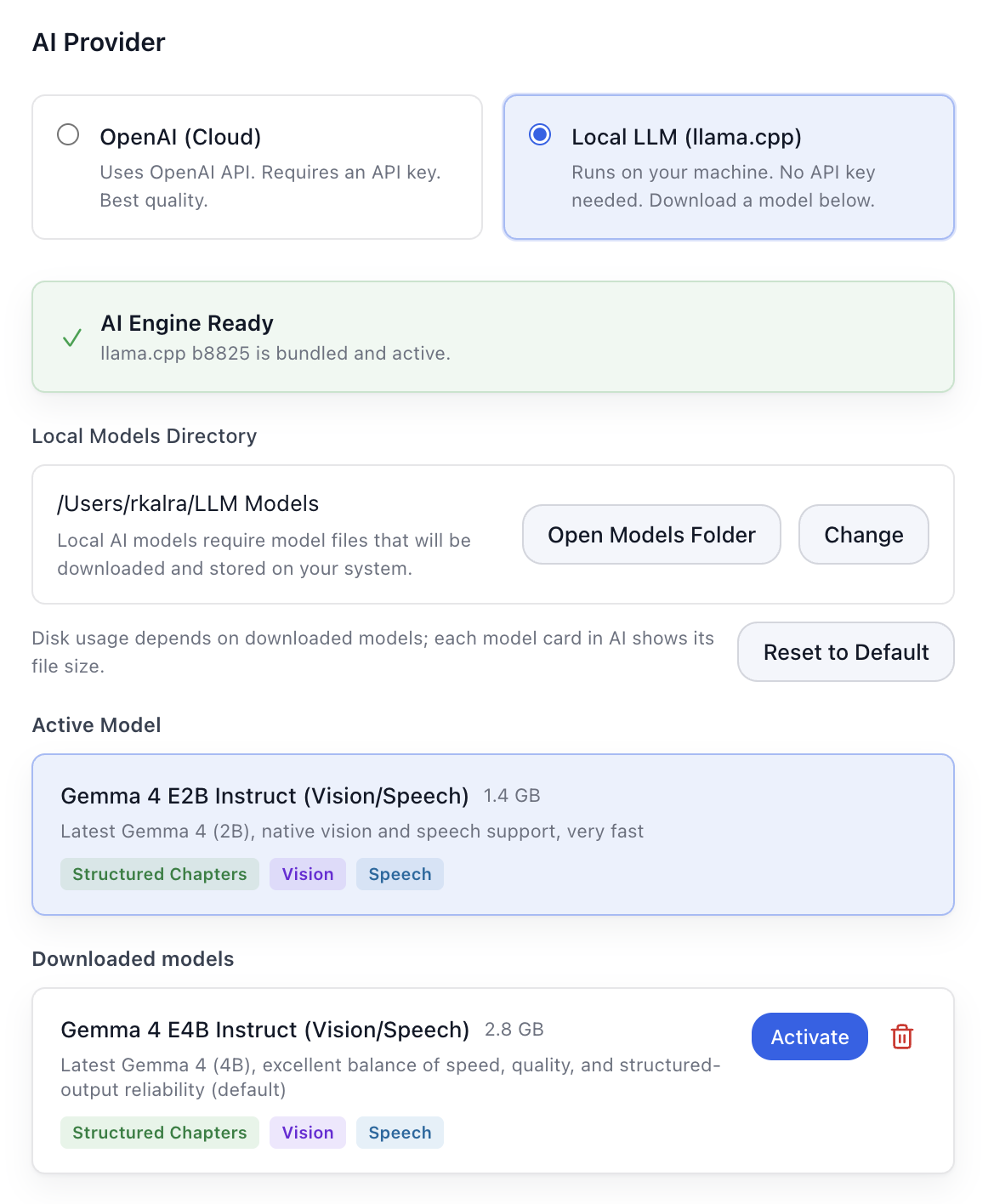
ScribeShot is local-first. Notes, transcripts and screenshots are stored as ordinary files on the computer. The app can use a local AI model on the Mac, or an adult can choose to configure a cloud AI provider instead.
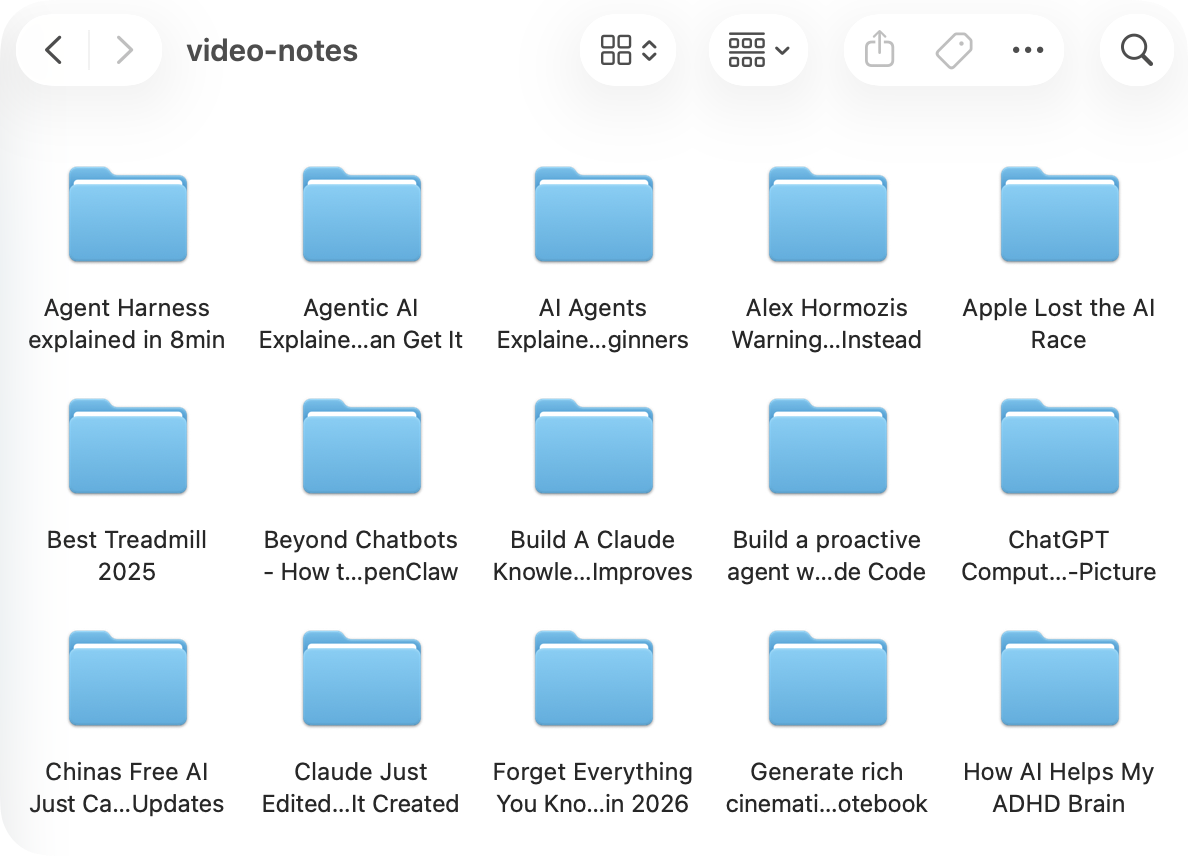
The local files are also deliberately boring in a good way. Notes are Markdown. Screenshots are image files. They can be opened outside ScribeShot and organised using ordinary folders.
That does not remove the need for parents to choose appropriate videos, consider the child’s age and decide when AI should be involved. A tool can support a learning process. It cannot make those decisions for a family.
Building ScribeShot changed the question I care about
I began with a fairly practical frustration: I kept losing useful ideas inside videos.
At first I thought the product would be mostly about generating better notes.
Now the more interesting question for me is different:
Can a tool make video learning easier to keep without making the learner less responsible for thinking?
That question is especially useful when I think about children.
The goal should not be to turn every YouTube video into perfect AI notes. The goal is to help a learner notice something, keep the useful context, question it and return to it later.
A small experiment for the next educational video
Try this with one age-appropriate video your child genuinely wants to understand.
- Before watching, ask what they expect to learn.
- During the video, save no more than three important moments.
- Afterward, ask them to explain one idea without looking at the notes.
- Then compare their explanation with the generated notes and return to the source where needed.
The test is not whether the notes look impressive.
It is whether the child is still thinking, choosing, explaining and questioning.
If you want to explore the tool I am building around this idea, you can see ScribeShot here.
For parents exploring AI-assisted learning: try these five questions before giving AI a learning task.


Leave a Reply