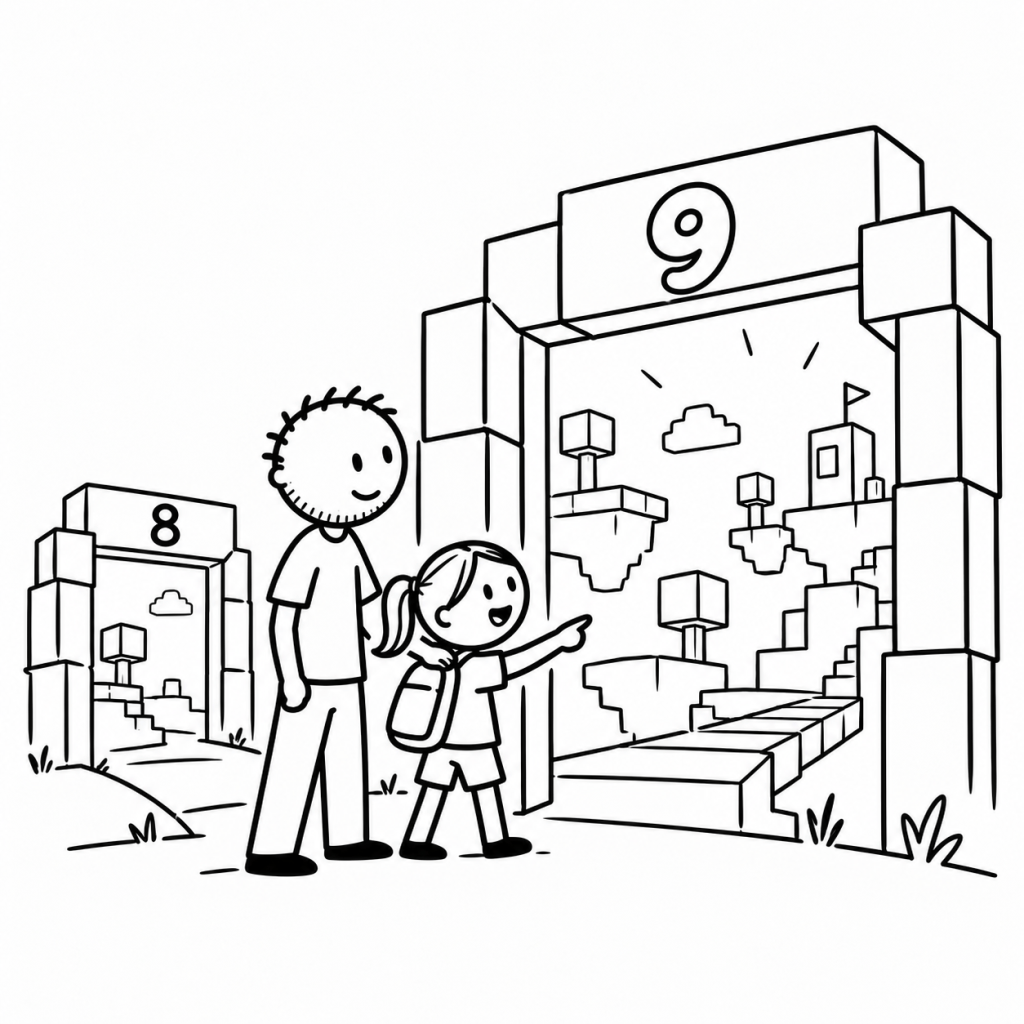
Your child turns nine. There may be a birthday cake, an extra candle—and a change to which Roblox games they can see. No new console required. No dramatic software update to install.
In most regions, Roblox moves children from Roblox Kids to Roblox Select at nine. That can open access to games with more mature content. But a new account type doesn’t tell you on its own whether chat is available, or whether every newly available game is right for your child.
That’s the useful distinction. I’ll explain what actually changes at nine, the bigger shift coming at 13, and a five-minute birthday check you can do together. This isn’t another settings tutorial; the seven-point Roblox parental-controls checklist covers that.
At nine, Roblox opens another shelf of games
In June 2026, Roblox introduced its age-based Kids and Select experiences worldwide. Roblox Kids, generally for ages five through eight, has the stricter standard catalogue: games rated Minimal or Mild that have passed additional reviews. Its blue appearance helps signal which experience a young child is using.
From nine through fifteen, Roblox Select allows a broader catalogue that can include Moderate-rated games. In Roblox’s terminology, Moderate can include content such as moderate violence, fear or crude humour. A parent can still restrict content or decide whether to allow a particular game.
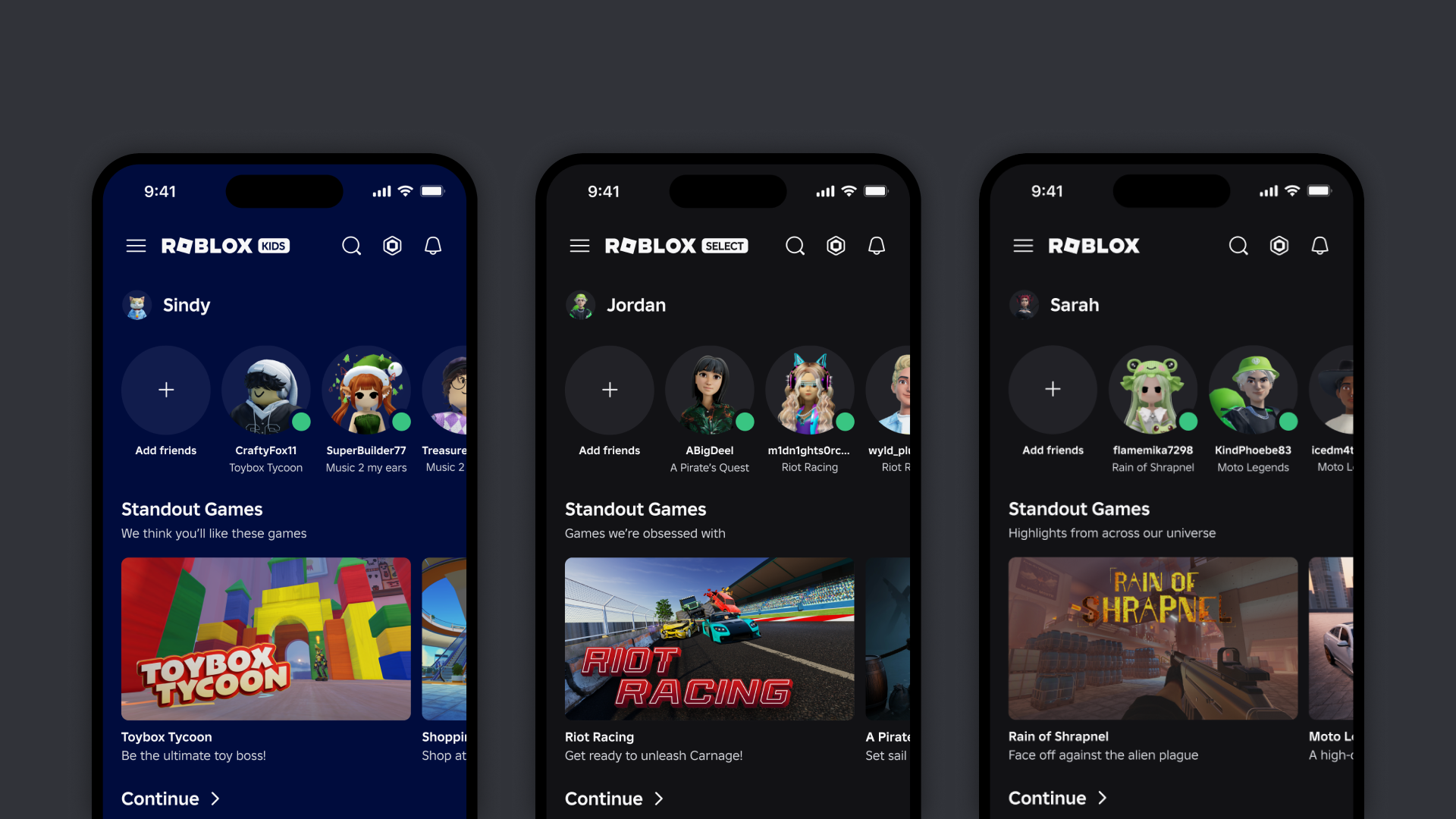
Think of it as access to another shelf in a library. The books on that shelf meet the library’s criteria. That doesn’t mean your child will enjoy every one of them—or that you’re obliged to approve them all.
The immediate takeaway: a ninth birthday is a good time to review newly visible games, not a reason to loosen every control.
But does the ninth birthday switch chat on too?
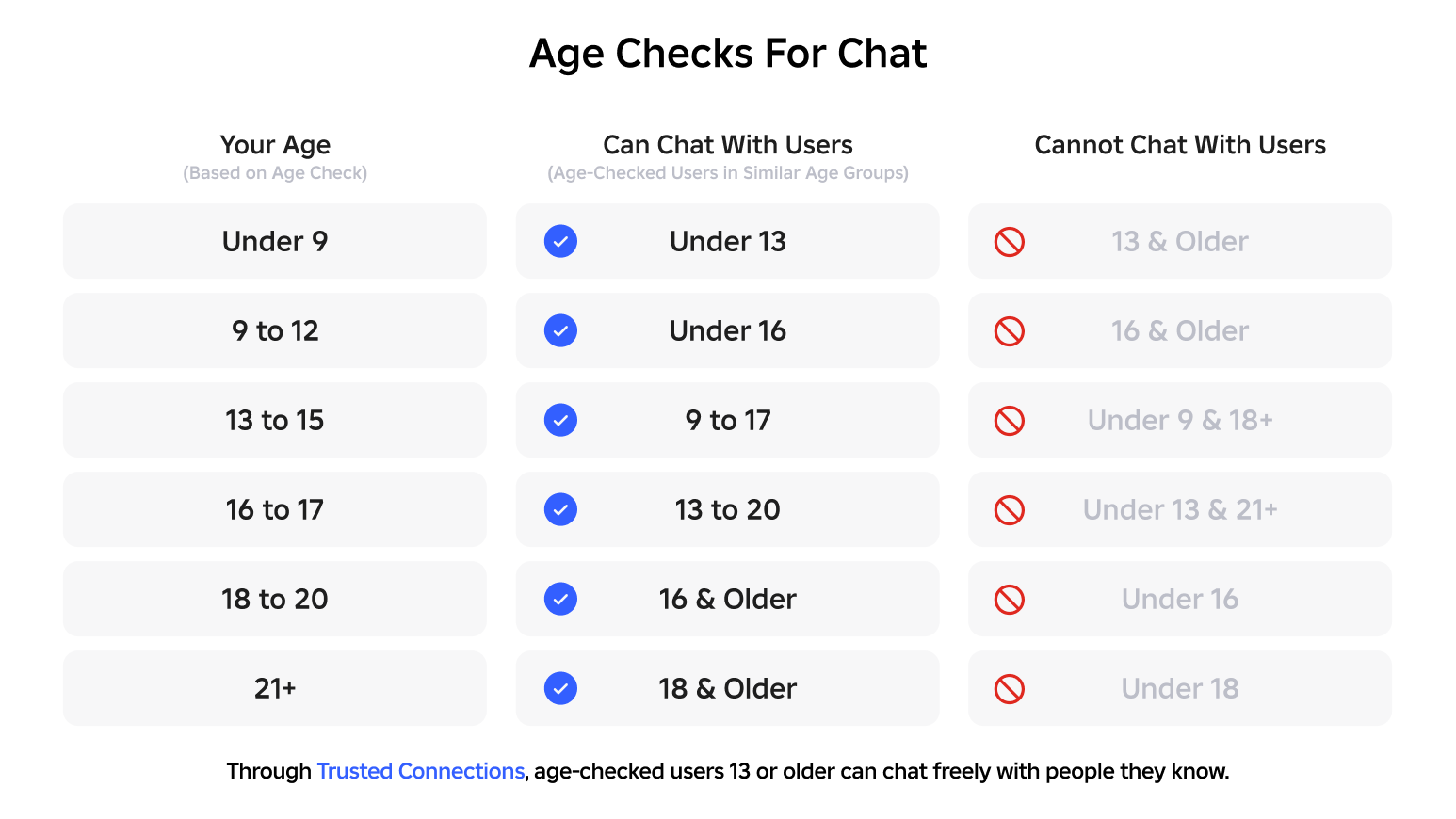
Not necessarily. Game access and communication follow different rules. Roblox requires an age check to enable chat, so an account with only a self-declared age will not get chat merely because the child turns nine. Once a user has completed the age check, however, some communication features can become available under Roblox Select.
For age-checked children aged nine to twelve, in-experience chat may be enabled where Roblox supports it, with age-group restrictions and parental settings. Direct chat requires parental consent for users under sixteen. The exact options also depend on region and the type of communication. Don’t assume either that all chat remains off or that everyone can talk to everyone.
That’s an important distinction for families: one child may see more games with chat still disabled, while another with a completed age check may have some age-limited communication available. A newly accessible game never guarantees that every interaction inside it suits your family.
So when you review that new game, don’t ask only “Is the rating allowed?” Ask “Who can join, and what communication does this experience involve?”
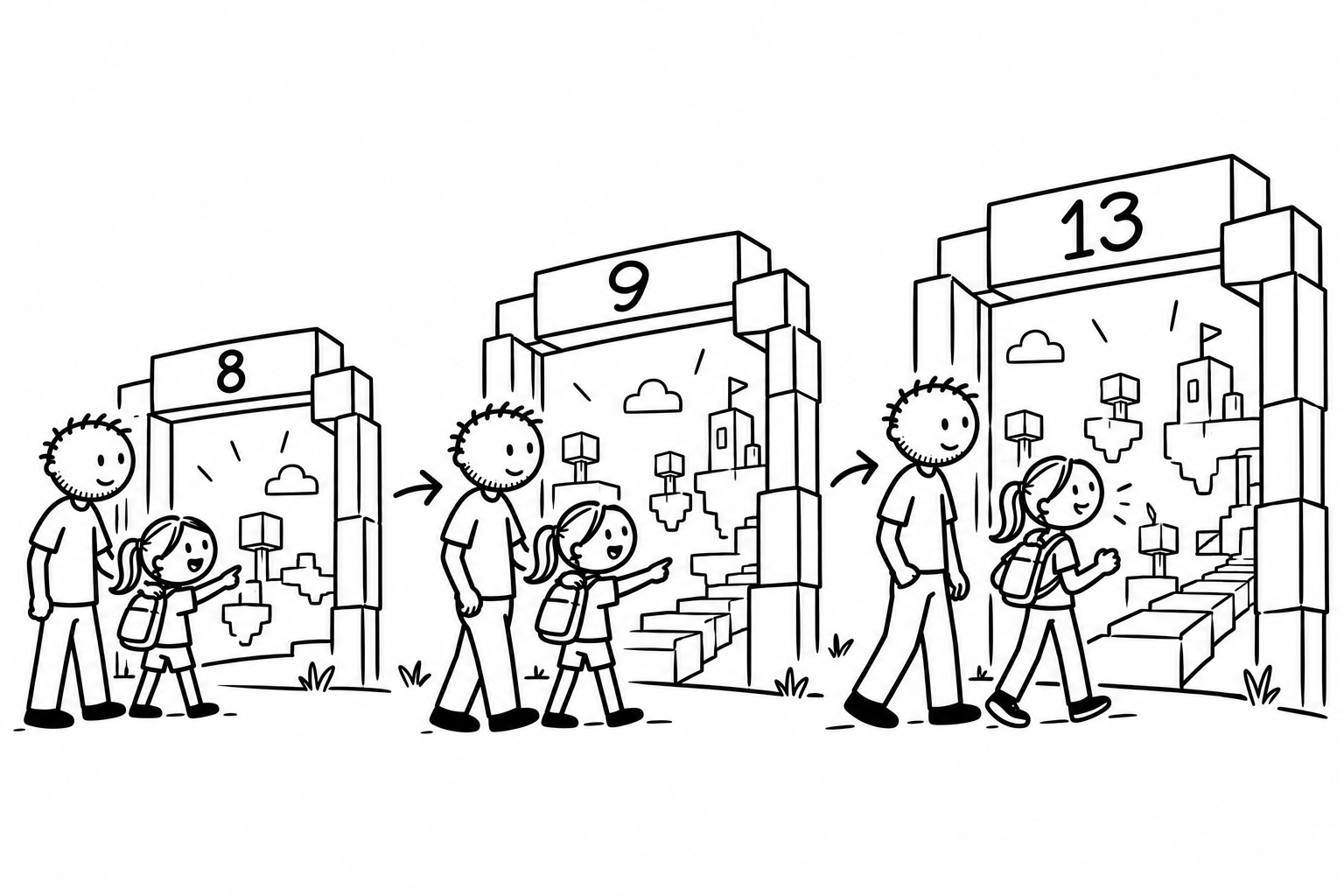
The bigger change may be waiting at thirteen
Nine is the visible birthday milestone. But another shift is coming—and in some ways it changes the parent’s role more.
According to Roblox’s current guidance, at 13 children begin managing some settings themselves. They take over their own screen-time limits and blocking of users. Parental spending limits no longer apply, although a linked parent can continue receiving spending notifications.
Parents don’t disappear from the picture. Linked accounts remain connected, and parents can still see important activity insights and manage certain controls, including direct-chat settings and allowing or blocking specific games. But the balance starts shifting from parent operates the settings to child learns to operate some of them.
That’s the real midpoint of this story. The product isn’t only increasing the games a child may access. It is gradually handing them more responsibility.
If your plan is simply to configure everything once and forget it, a birthday can quietly make that plan outdated. Roblox says it sends milestone messages when age-based account changes occur, but it is worth reviewing the account yourself rather than relying on one notification.
An available game isn’t the same thing as an approved game
Here’s a hypothetical example. Yesterday, your eight-year-old couldn’t see a particular game in the standard Kids catalogue. After turning nine, the game becomes eligible to appear under Select. Your child is excited: it’s finally there.
That excitement makes sense. But the software has answered only “Is this game allowed for this account category?” It hasn’t answered “Would I choose this game for this particular child today?”
That second question deserves a look at the actual game: what players do, how intense it feels, whether other players are involved, and what happens when something goes wrong. Sometimes the answer will be an easy yes. Sometimes it will be not yet.
The goal isn’t to turn every birthday into a security audit. It’s to notice when the digital playground has changed shape.
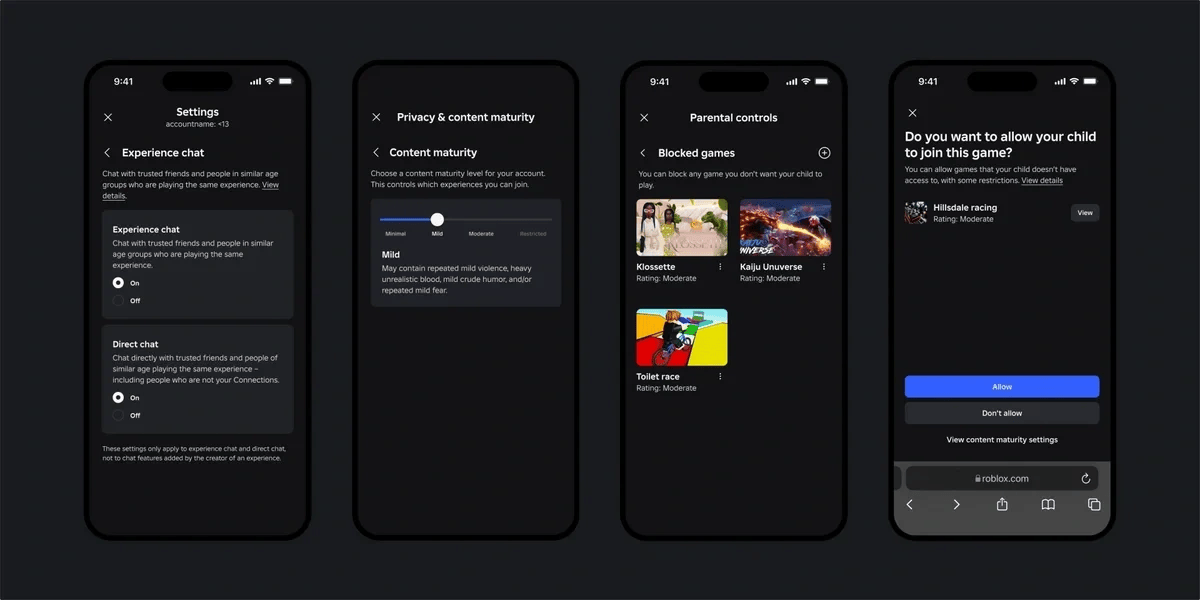
A five-minute Roblox birthday check
The most useful birthday ritual isn’t a longer lecture about screen time. It’s one short review with your child, ideally before they explore the new catalogue.
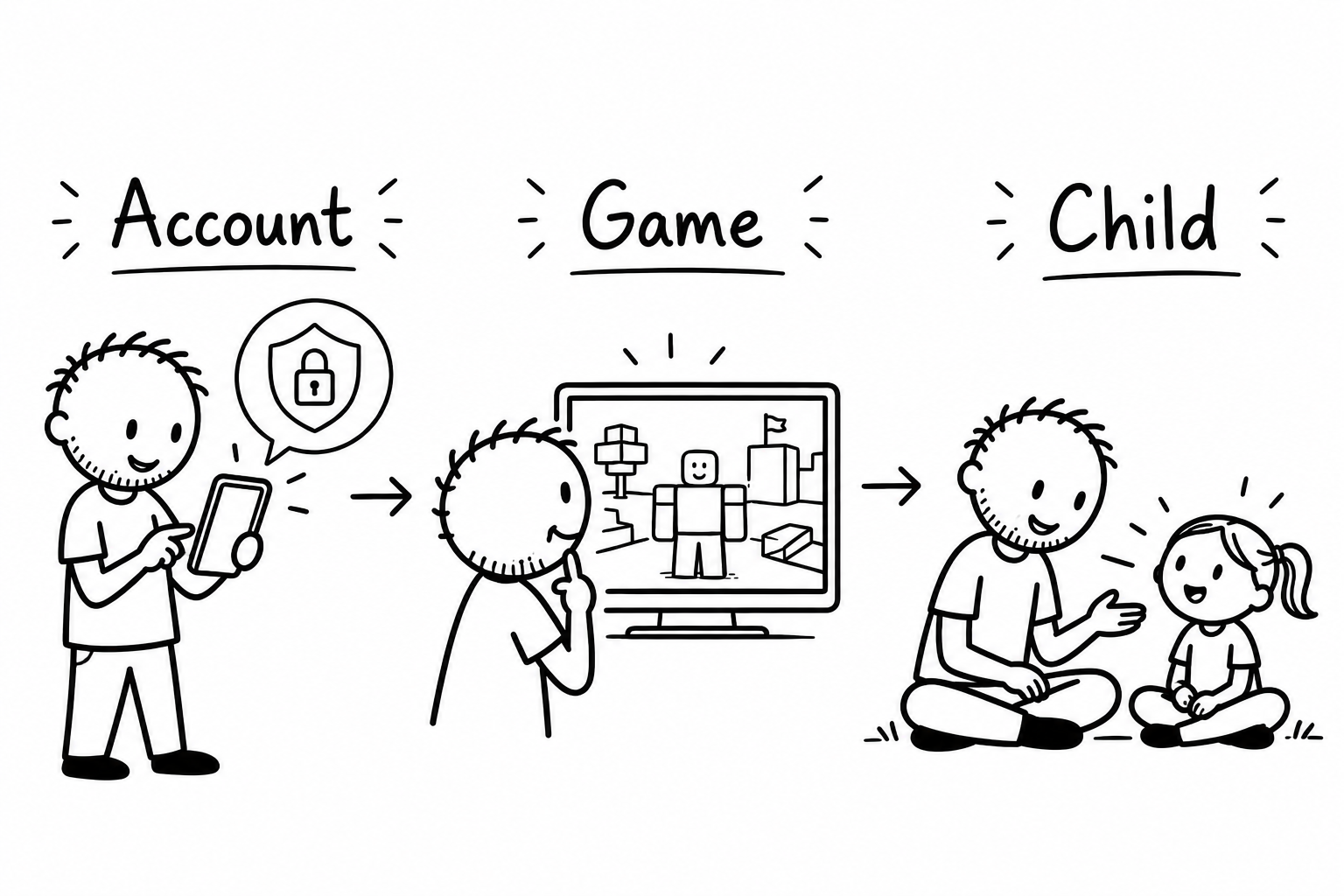
- Minute 1 — Notice what changed. Open the child’s Roblox account together. Check that the age is correct and notice whether it now uses Roblox Select. Explain in one sentence that Select can show a wider range of games, not that everything is automatically approved.
- Minutes 2–3 — Pick one newly interesting game. Look at its content rating, description and what players do. Ask, “What makes you want to try this one?” If the game is outside your family’s current comfort level, agree to revisit it later rather than changing the whole catalogue.
- Minutes 4–5 — Check the social boundary. Confirm whether chat is available and who can interact in the selected experience. Agree that your child can leave, block, report and talk to you if something feels uncomfortable. Then decide together whether to try the game.
That’s all. One game, one boundary, one decision. It gives your child practice explaining a choice and gives you information about a specific experience—not just an abstract argument about Roblox.
If you’d rather have the exact buttons and menu paths, the Roblox parent checklist walks through content, chat, friends, spending, screen time and individual-game approvals. This article is about when and why to revisit those decisions.
More access doesn’t have to mean less guidance
A ninth birthday should feel like growing up, not like a warning siren. Roblox’s age-based protections are a useful starting point, and newly available games aren’t automatically problems.
But the important change isn’t just what Roblox will now permit. It’s the chance to help your child make a slightly more independent choice—with you still close enough to talk about it.
So when Roblox’s catalogue grows, you don’t need to approve it wholesale or reject it wholesale. Notice what changed. Review one game. Decide together.
The birthday candle is small. The skill you’re practising—choosing well as freedom grows—is much bigger.
Sources and what may vary
Verified 15 October 2026 against Roblox’s June 2026 global announcement, its family guide to Kids and Select, the official chat age-check guide, and the age-milestone controls guide. Age checks, catalogue availability, chat and settings may vary by region, account status and later updates. The birthday example is illustrative, not a personal anecdote. The real Roblox images are reproduced from official Roblox sources and may show example interfaces rather than your current account.
I’m an engineer dad exploring digital childhood, not a Roblox employee or child-development specialist. No account label or setting guarantees an individual child’s safety.


Leave a Reply